
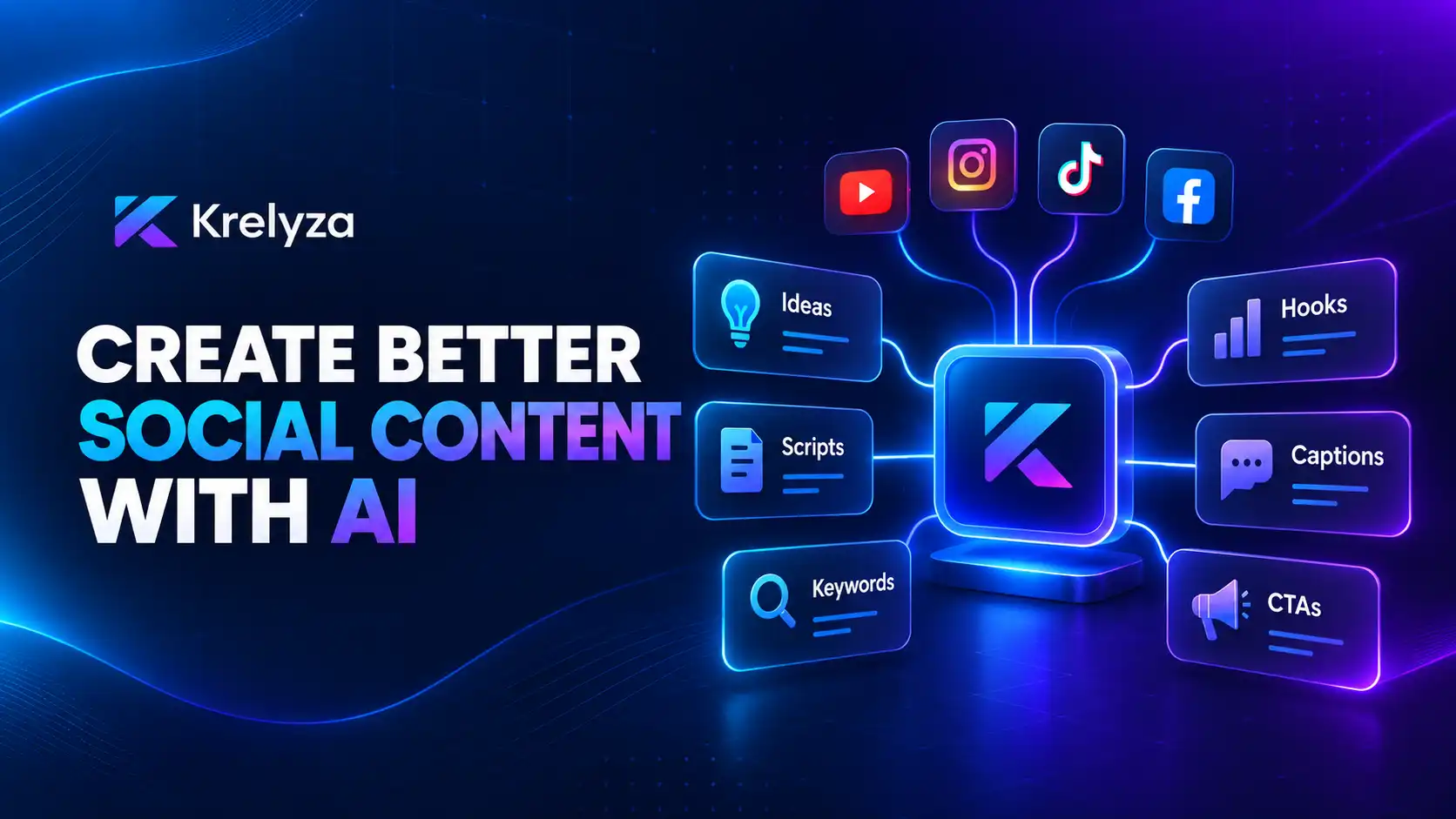
How to Use AI Tools to Create Better Social Media Content
Learn how AI can help you plan ideas, create hooks, write scripts, improve captions, find keywords, and build a more efficient content workflow.
Whether you create content for YouTube, Instagram, TikTok, Facebook, or several platforms at once, AI-assisted tools can help you move from an initial idea to a more complete piece of content faster.
The key is to use AI for specific tasks instead of asking one generic tool to do everything. That is the approach behind Krelyza’s collection of creator tools.
What Are AI Social Media Tools?
AI social media tools are generators designed to assist with individual parts of the content creation process.
For example, instead of staring at a blank page trying to create a caption, you can provide your topic to a caption generator and receive several starting points that you can then edit and personalize.
Turn a broad topic into more focused post, Reel, TikTok, or video concepts.
Develop stronger openings and organize your message into a clearer structure.
Create starting points for post copy and actions you want your audience to take.
Find relevant terms that match your topic, niche, and content context.
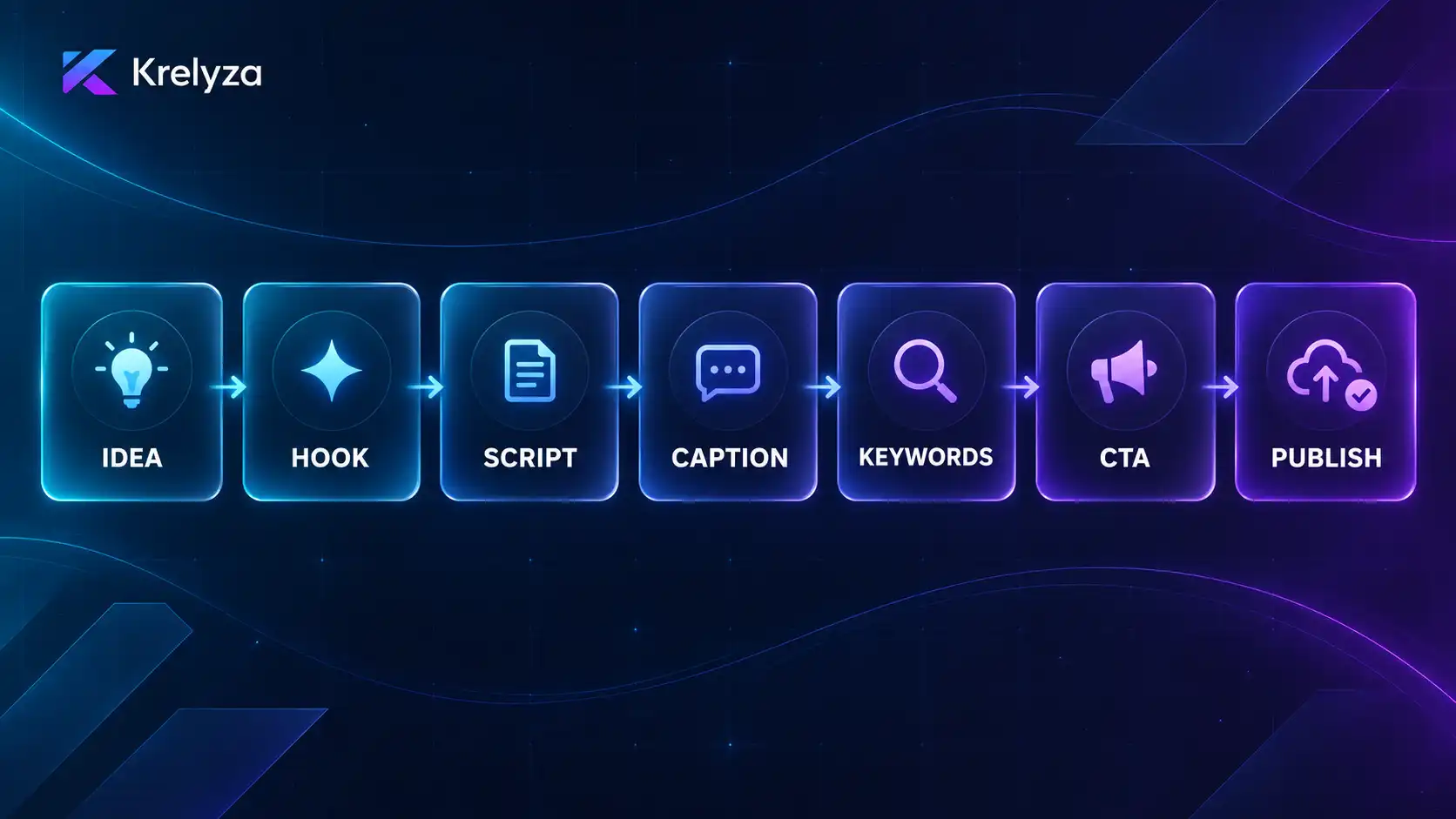
AI can support the process, but your experience, personality, audience knowledge, and brand voice still matter.
1. Start With a Strong Content Idea
Every useful post or video begins with a clear idea. Instead of starting with the broad question “What should I post today?”, begin with something more specific.
- A problem your audience has
- A question people frequently ask
- A common mistake in your niche
- A useful lesson you recently learned
- A product or service you want to explain
- A story or experience worth sharing
An AI idea generator can then help expand that starting point into several possible angles.
For short-form content, you can explore tools such as the Instagram Reels Ideas Generator , TikTok Video Ideas Generator , and Facebook Reels Ideas Generator .
The goal is not to publish every generated idea. Choose the one that best matches your audience and what you actually want to communicate.
2. Create a Hook That Gives People a Reason to Continue
Social media users make quick decisions about what deserves their attention. That makes the opening of your post or video especially important.
A hook can be:
- A question
- A surprising statement
- A problem
- A clear promise
- A strong opinion
- A useful result
- A curiosity-driven introduction
Instead of starting with “Today I am going to talk about Instagram captions,” try an opening such as “Your Instagram caption may be losing attention before people reach the second line.”
Krelyza includes dedicated hook tools for Instagram Reels , TikTok , and Facebook Reels .
3. Turn the Idea Into a Clear Script
Once you have an idea and hook, the next challenge is organizing the message. You do not need a complicated structure for every video.
Hook → Main Point → Supporting Information → Payoff → Call to Action
AI script generators can help create a first draft, especially for short-form videos, but you should still review the output carefully.
Remove or rewrite anything that:
- Sounds unnatural
- Repeats the same point
- Does not match your experience
- Makes claims you cannot support
- Does not sound like your normal communication style
You can use the Instagram Reels Script Generator or TikTok Script Generator as a starting point.
4. Write Captions That Support the Content
A useful caption should add something to the post rather than simply repeat what viewers can already see in the image or video.
A caption can:
- Provide additional context
- Summarize the main lesson
- Tell a short story
- Highlight an important benefit
- Ask a question
- Encourage an action
Krelyza provides dedicated caption generators for different platforms:
After generating a caption, edit the wording so that it matches your own voice and the context of your post.
5. Use Keywords and Hashtags With Purpose
Keywords and hashtags serve different purposes, but both should remain closely related to the actual topic of your content.
For example, if your video explains how beginners can grow a YouTube channel, relevant keyword ideas may include:
- YouTube growth tips
- Grow a YouTube channel
- YouTube for beginners
- YouTube content strategy
Avoid forcing keywords into sentences where they do not fit naturally.
You can explore relevant keyword ideas using:
- YouTube SEO Keyword Generator
- Instagram SEO Keyword Generator
- TikTok SEO Keyword Generator
- Facebook SEO Keyword Generator
Hashtags should also be selected because they are relevant to the content, not simply because they are popular.
6. Add a Clear Call to Action
A call to action tells your audience what they can do next. It does not always need to involve a purchase.
Ask people to comment, share their opinion, or answer a question.
Encourage people to save the post or watch another related piece of content.
Invite relevant viewers to follow your account or visit your profile.
Direct interested users to learn more, visit a page, register, or make a purchase.
One clear action is often more effective than several competing calls to action.
7. Build a Content Calendar Instead of Starting From Zero Every Day
One of the biggest benefits of AI-assisted planning is the ability to prepare ideas in advance instead of deciding what to publish every morning.
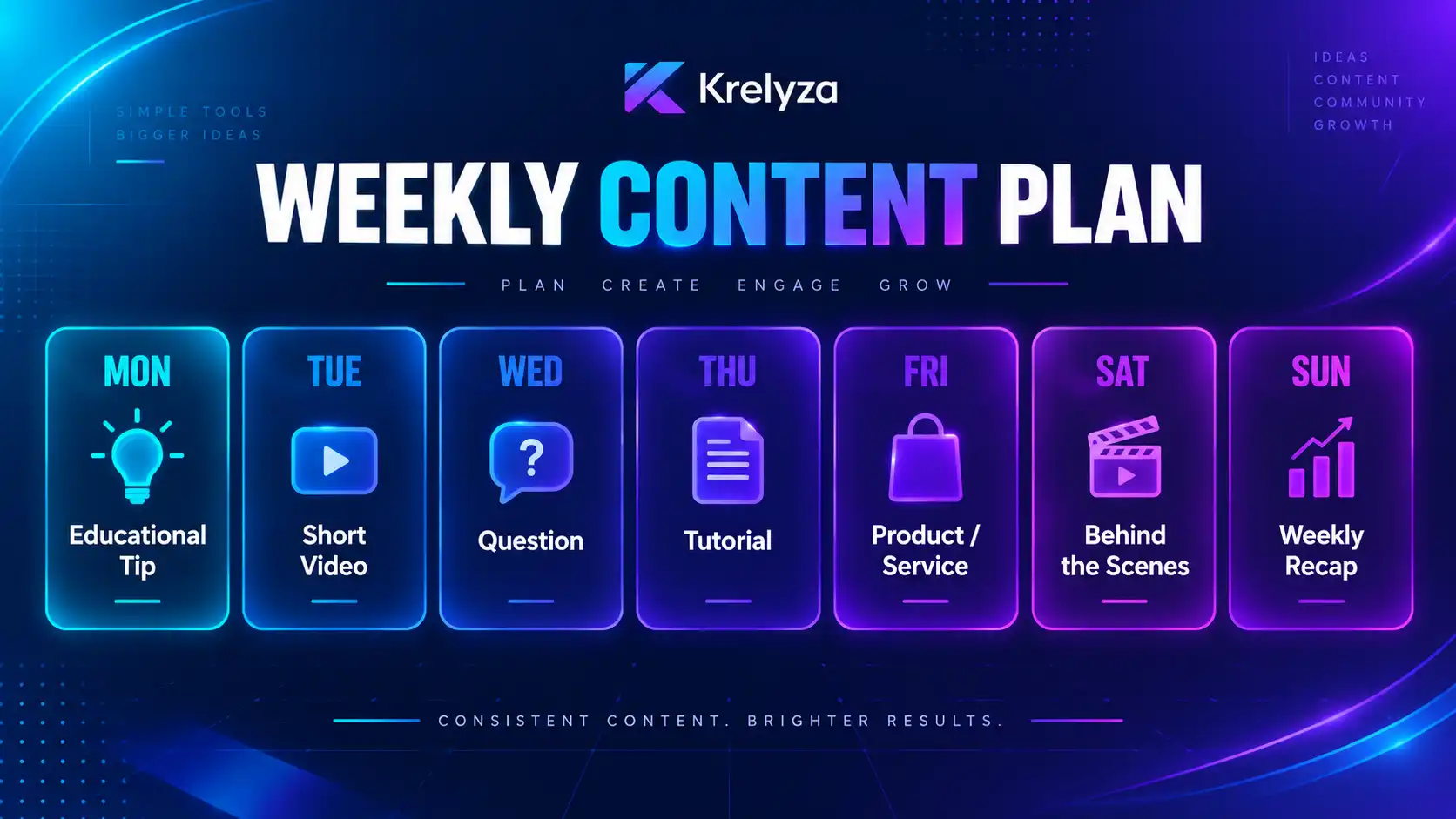
| Day | Example Content |
|---|---|
| Monday | Educational tip |
| Tuesday | Short-form video |
| Wednesday | Question or discussion |
| Thursday | Tutorial or how-to |
| Friday | Product or service content |
| Saturday | Behind-the-scenes content |
| Sunday | Weekly recap or community post |
Your schedule does not need to follow this exact structure. The important part is choosing a realistic posting rhythm that you can maintain.
Krelyza includes content calendar generators for Instagram , TikTok , and Facebook .
8. Adapt Content for Each Platform
One content idea can often be used across several social networks, but that does not mean the exact same post should always be copied everywhere.
| Platform | Possible Format |
|---|---|
| YouTube | A detailed tutorial or longer explanation |
| A Reel plus a carousel summary | |
| TikTok | A short, direct explanation or demonstration |
| A conversational post combined with a Reel |
The core idea can stay the same while the presentation changes to suit the platform.
9. Always Review AI-Generated Content Before Publishing
AI-generated content should be treated as a draft rather than something that must be published exactly as generated.
Before publishing, review:
- Factual accuracy
- Grammar and clarity
- Originality
- Audience relevance
- Brand voice
- Platform suitability
- Any claims, numbers, or statements that require verification
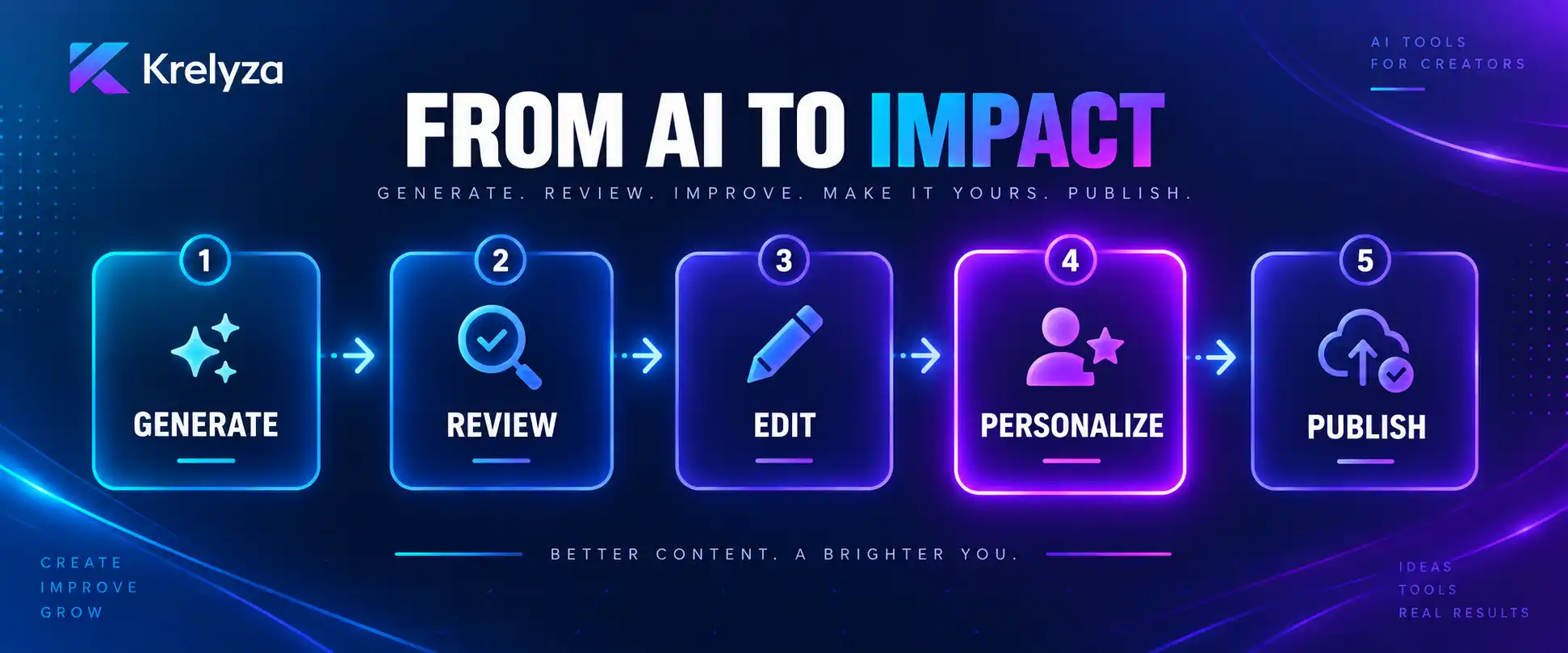
Use AI to create the first draft, then review, improve, personalize, and publish the final version.
That final human review matters because your audience follows your account for your perspective, experience, and personality.
A Simple AI Content Workflow
- Choose your topic.
- Generate several content ideas.
- Select the strongest idea.
- Create a hook.
- Draft the script or post.
- Generate a supporting caption.
- Find relevant keywords or hashtags.
- Add a clear call to action.
- Review and personalize everything.
- Publish and learn from the response.
You do not need to use every tool for every post. Use only the generator that helps with the task you are currently working on.
Create your next social media post with Krelyza
Explore practical AI tools for content ideas, captions, hooks, scripts, keywords, hashtags, planning, and more.