
How to Write Better Social Media Captions With AI
Learn how to use AI to create clearer captions, stronger openings, better calls to action, and platform-ready social media copy without losing your own voice.
A good caption should support the content rather than simply repeat what viewers can already see. It can explain the idea, provide context, encourage interaction, highlight a benefit, or guide the audience toward a useful next step.
AI can make that process faster, but the strongest captions still require your judgment. The goal is to use AI as a writing assistant rather than automatically publishing the first response it generates.
What Makes a Good Social Media Caption?
There is no single caption format that works for every post. A short TikTok video may need only a concise line, while an educational Instagram post or Facebook update may benefit from more explanation.
Strong captions usually combine a few important elements.
Give people a reason to continue reading by starting with a useful, specific, or interesting first line.
Explain the idea behind the post without repeating everything that already appears in the image or video.
Use wording that fits your audience and sounds like a person or brand rather than generic promotional copy.
When appropriate, encourage readers to comment, save, share, learn more, or take another relevant action.
Why Use AI for Social Media Captions?
One of the biggest benefits of AI is speed. Instead of spending time trying to create one perfect caption from a blank page, you can generate several starting points and select the strongest direction.
AI can also help you create different versions of the same message, shorten long text, adjust tone, improve clarity, or adapt copy for different platforms.
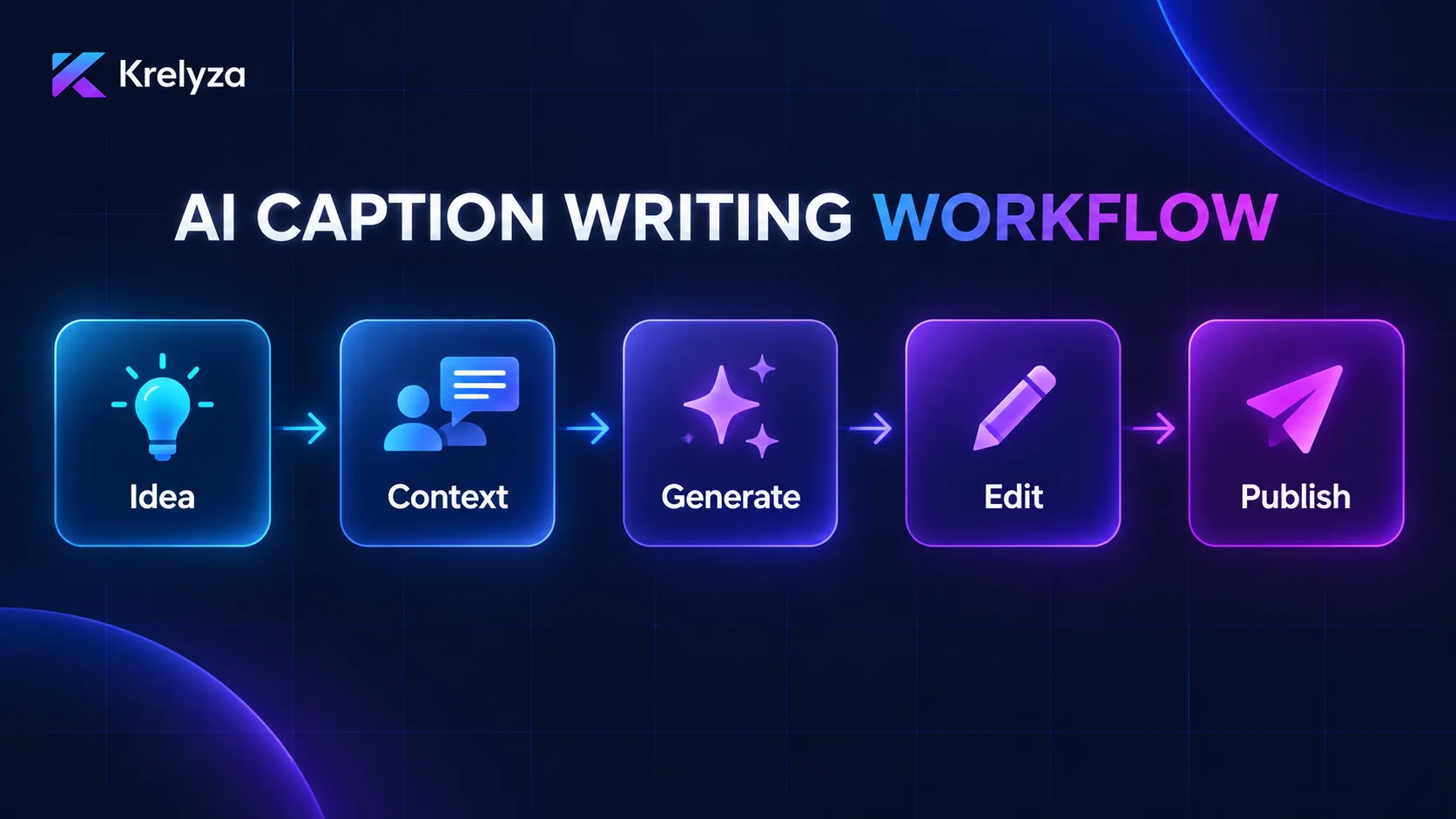
Generated captions should be reviewed before publishing. Check the wording, remove generic phrases, verify any factual claims, and adjust the text so it fits your actual voice and content.
1. Start With the Purpose of the Post
Before generating a caption, decide what the post is supposed to achieve.
A caption for an educational post should not necessarily sound like a caption for a product announcement or a community question.
Your post might be designed to:
- Teach something useful
- Explain a product or service
- Start a conversation
- Share a story
- Encourage saves or shares
- Send visitors to another page
- Build familiarity with your brand
Giving AI this purpose makes the generated caption more focused.
2. Give AI Enough Context
Generic instructions usually produce generic captions.
Instead of giving AI only a topic, provide a few details about the post, audience, tone, and desired action.
Write an Instagram caption about productivity.
Write an Instagram caption for a short video explaining three simple productivity habits for busy freelancers. Keep the tone practical and conversational and finish with a natural question for the audience.
The second prompt gives the AI much more information about what the caption needs to accomplish.
Topic → Audience → Purpose → Tone → Caption → Review
3. Make the First Line Worth Reading
The opening line is important because people often decide quickly whether they want to continue reading.
A useful first line may include:
- A clear benefit
- A common problem
- A direct question
- A useful observation
- A surprising contrast
- A specific lesson from the post
Avoid forcing exaggerated clickbait into every caption. The opening should create interest while still accurately representing what the post contains.
4. Match the Caption to the Platform
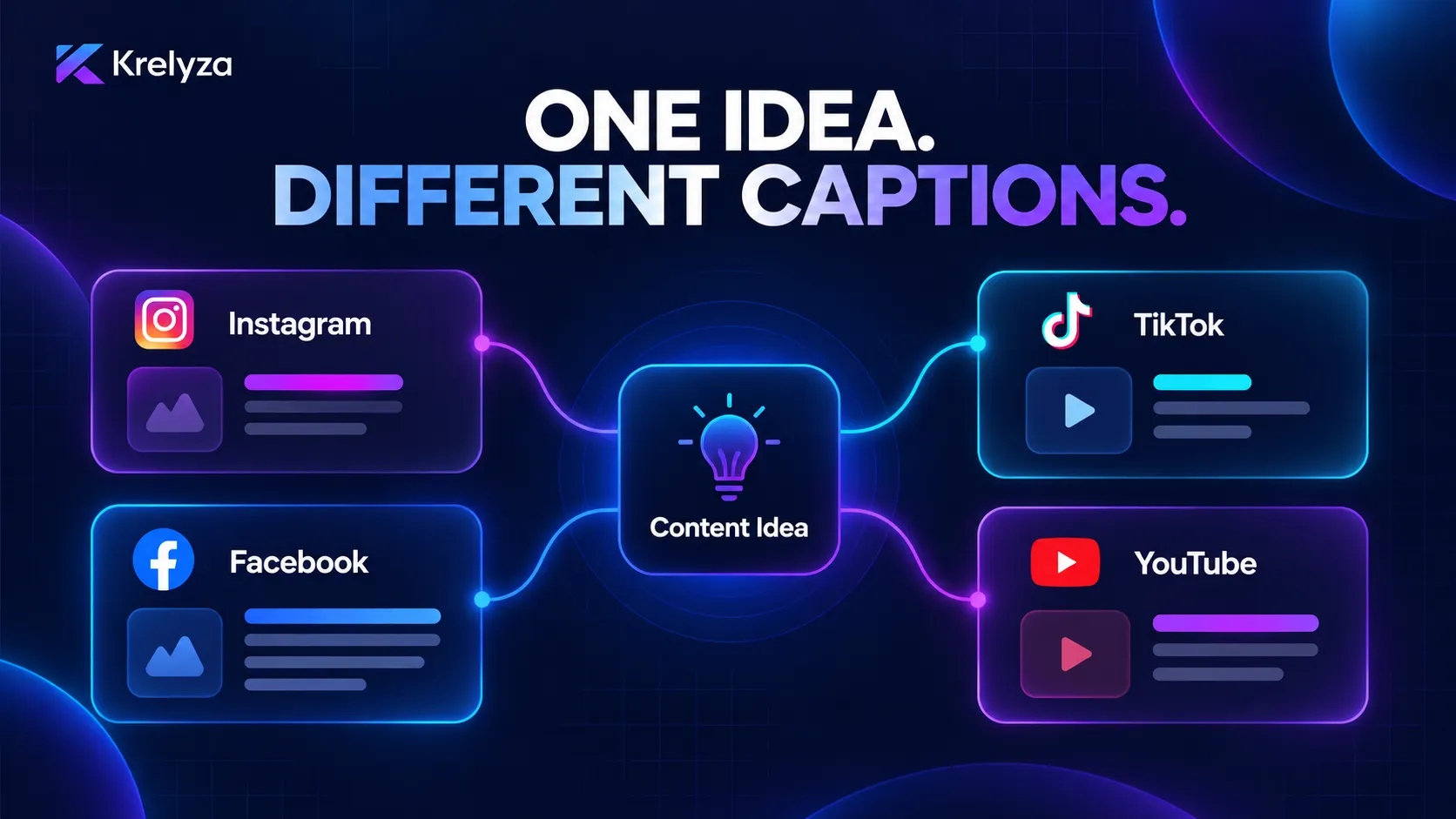
The same core message can be adapted differently depending on where it is being published.
| Platform | Useful Caption Approach | Typical Focus |
|---|---|---|
| Strong opening with useful supporting context | Story, education, engagement, or visual support | |
| TikTok | Usually short and closely connected to the video | Topic, hook, context, or conversation |
| Can support additional explanation or storytelling | Discussion, information, community, or promotion | |
| YouTube | Copy should clearly explain what the viewer will get | Topic clarity, value, search context, or next action |
AI makes this adaptation easier because you can start with one core message and ask for several platform-specific versions.
5. Choose a Tone That Fits Your Audience
Tone affects how the same message feels.
A creator speaking to beginners may use simple and encouraging language, while a company communicating with a professional audience may prefer a clearer and more direct style.
Useful tone instructions include:
- Friendly and conversational
- Professional and clear
- Energetic and concise
- Educational but simple
- Casual and relatable
- Confident without sounding overly promotional
Avoid asking AI to make every caption overly enthusiastic. Natural language is usually more useful than excessive emojis, dramatic claims, or constant sales wording.
6. Generate Several Caption Options
One of the advantages of AI is that you do not have to settle for the first result.
You can ask for:
- Five short caption options
- Several different opening lines
- A professional version
- A more conversational version
- A shorter version for video content
- Different calls to action
Compare the options and keep the parts that best fit the post.
7. Use Dedicated AI Caption Generators
A general AI assistant can write captions, but a focused caption tool reduces the amount of prompting required because the task is already defined.
Krelyza provides dedicated tools including:
Enter your topic or post details, generate several options, and then edit the strongest result before publishing.
8. Add a Relevant Call to Action
A call to action gives the audience a useful next step.
Depending on the post, you might encourage people to:
- Share their experience
- Answer a question
- Save the post for later
- Share it with someone who may find it useful
- Visit another resource
- Follow for related content
The CTA should match the content. Adding “comment below” to every post can quickly feel repetitive.
Krelyza also provides platform-specific tools such as the Instagram CTA Generator , TikTok Call-to-Action Generator , and Facebook CTA Generator .
9. Generate Hashtags Separately
Captions should still read naturally when hashtags are part of your publishing strategy.
Instead of asking the AI to attach a large list of unrelated hashtags to every caption, it can be more useful to generate hashtags separately and review them for relevance.
You can use tools such as the Instagram Hashtag Generator , TikTok Hashtag Generator , YouTube Hashtag Generator .
This keeps caption writing and hashtag selection as separate tasks, making both easier to review.
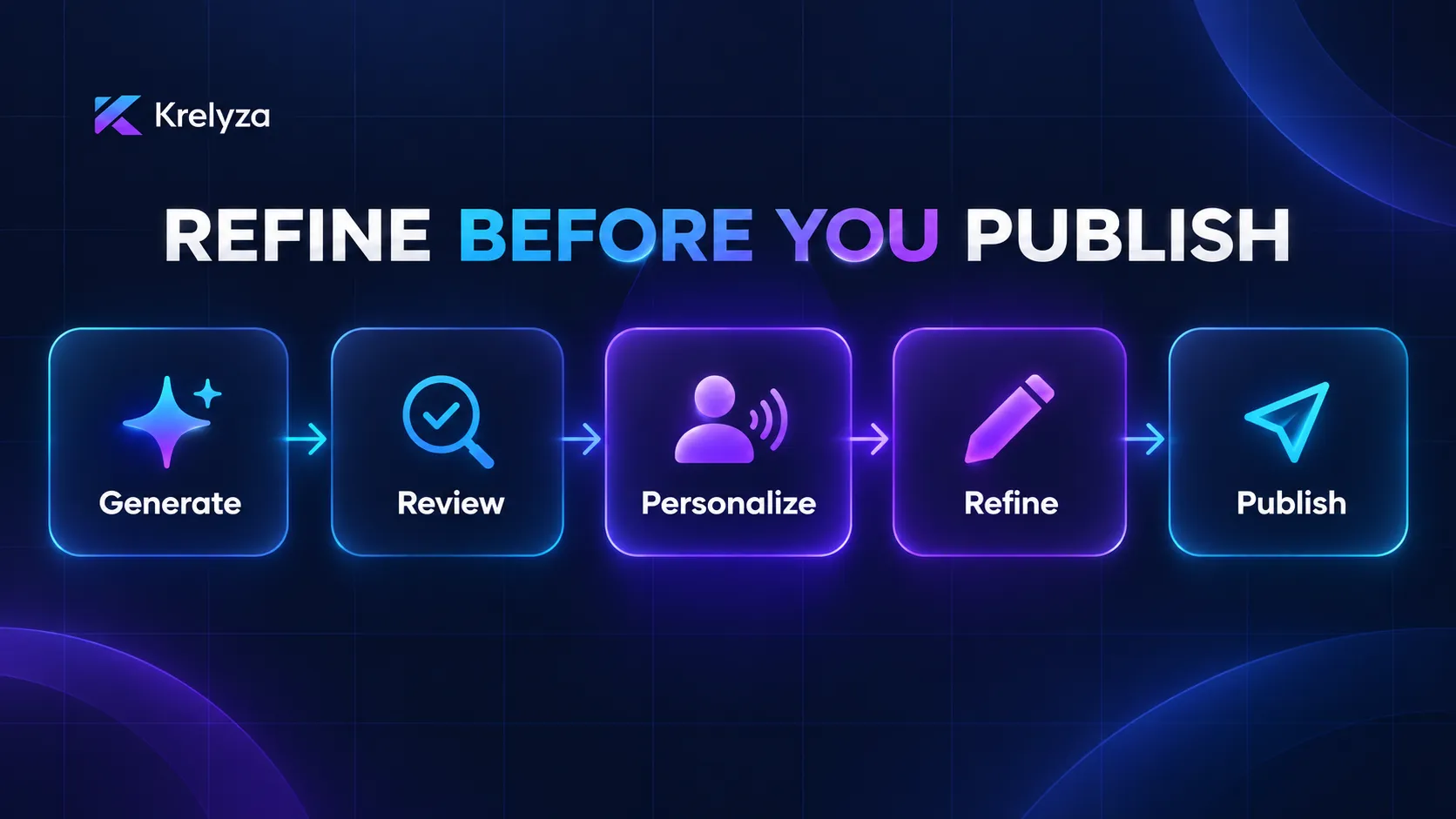
10. Edit the Caption Before Publishing
AI-generated text should not automatically be treated as finished copy.
Before publishing, check for:
- Generic phrases
- Repeated wording
- Incorrect assumptions
- Claims that are not supported by your content
- Unnecessary emojis
- Awkward or unnatural sentences
- An irrelevant call to action
Also ask whether the caption sounds like something you or your brand would realistically say.
A Simple AI Caption Writing Workflow
- Define the topic of the post.
- Decide what the post is meant to achieve.
- Identify the target audience.
- Choose the appropriate tone.
- Generate several caption options.
- Select the strongest opening and main message.
- Add a relevant call to action if needed.
- Generate hashtags separately where appropriate.
- Edit the caption to match your own voice.
- Check the final version before publishing.
AI is most useful when it speeds up the first draft. Your own examples, experience, opinions, brand language, and judgment are what make the finished caption distinctive.
Final Thoughts
AI can make social media caption writing much faster, especially when you regularly create content for several platforms.
The key is to give the tool enough context, generate more than one option, and review the final text instead of publishing the first response automatically.
Used properly, AI can remove some of the repetitive writing work while still leaving the final message, tone, and creative decisions in your hands.
Create your next social media post with Krelyza
Explore practical AI tools for captions, content ideas, calendars, hooks, scripts, keywords, hashtags, and creator workflows.